
Creating Interactive eLearning Material for Children
Case Study
2021
My Role
- Degital Designer
- Video Editor
- Story Developer
- Content Creator
Overview
I was given the responsibility to do research, and see how I can develop online eLearning material for children. It was quickly discovered that there is not a lot of platforms, or places with learning material for children between the age group of 4 to 8.
The platform that already existed were not user friendly for kids. Nor did they have learning material for children that have trouble keeping focus, or reading, like children with Autism, ADHD, ADD, etc.
Tasks:
- How does a background colour and/or font influence a child’s learning capability?
- Which font can be used for children with dyslexia to read easier?
- I had to test software for building online eLearning materials.
- Research on math word sums, and story lessons for each age group.
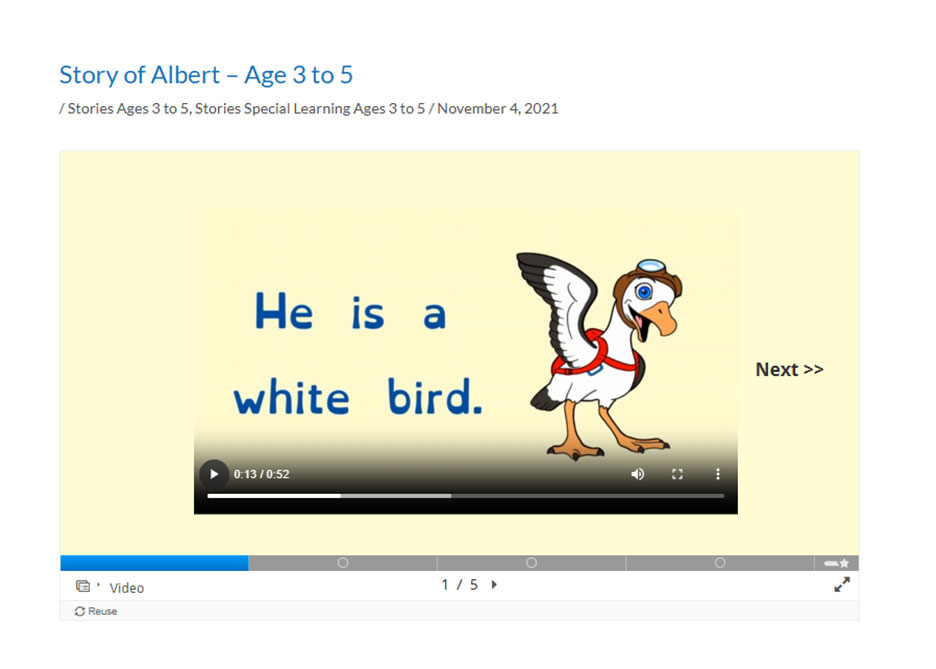
- eLearning Example
Concepts & Ideas
1. How does a background colour and/or font influence a child's learning capability?
One of the first colours I decided against is a black background with white text, because it is hard to read. According to Carin Perron and John Hooker,“…whatever the colour of text. Reading such a page is difficult, whether on paper or a web page.”
Using pure black text on a stark white background is also problematic, because the contrast is too high. The high contrast causes strain on the eyes in adults, and children, which causes fatigue, loss of concentration, and headaches. As well as using just a black background, or just a pure white background is not appealing to children. They are not target audience for these type of colours.
My first idea was to use a cool colour such as ice blue white. Quickly did I find out, after testing that the contrast is still too much between the background and the text.
“Warm background colors, Peach, Orange and Yellow, significantly improved reading performance over cool background colors, Blue, Blue Grey and Green.”
Luz Rello, Jeffrey P. Bigham
Instead of using orange, normal yellow, or peach, I decided on pale yellow. The peach background colour makes the platform way too girly, and blue is too boyish. The pale yellow colour is more of a neutral colour. It is warm, and welcoming. With the pale yellow background colour; black, blue, green, pink, and other specific colours are used for text. The colourful text is to help keep children’s focus while they are doing acitivities. The colourful text is used to guide kids through the instructions, buttons, and acitivites.
Experience the Different Colour Backgrounds with Font Colours
2. Which font can be used for children with dyslexia to read easier?
Along with the research on the colours, I needed find out what type of font is easier for all children to read, with and without dyslexia.
“Dyslexia is a common learning disorder that mainly affects reading and spelling. It’s lifelong, but skills can improve with help.”
Margie Gillis, EdD
Using Plane Yellow background with normal common fonts like Arial, New Times Roman, or Calibri was not working well for easy reading. The fonts have to have good spacing, and should not be overly decorative. The font-size needs to be bigger than the average font-size, not smaller than 12pts.
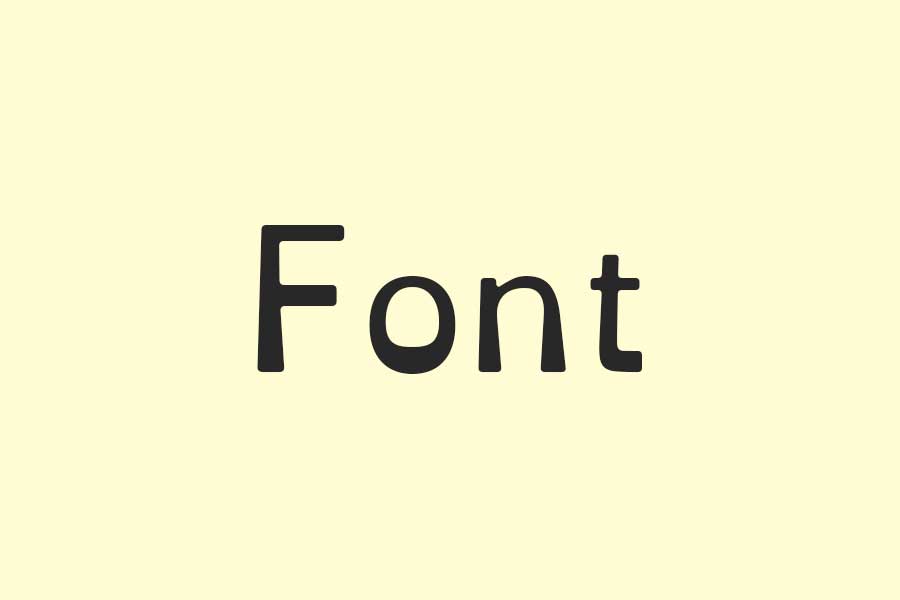
I decided to use the OpenDyslexic font. It was specially designed for not just children, but all people with Dyslexia. The heavier bottom on the letters, and the unique designs sometimes help the brain from turning, and switching letters around.

3. I had to test software for building online eLearning materials.
With all the research finish, it was time to move on to software testing. We needed an online platform to build the eLearning material, to be accessible from anywhere in the world.
I was first given Moodly to test. The H5P tool was not working well with Moodly, because the online platform was too complicated to navigate. We figured that, if it is too complicated for us, it will definitely too complicated for a child to use the platform.
WordPress was then given to me as the next online platform to test. It was a challenge to figure out where everything is, but I managed. Once I got the hang of it, I was able to build fun online learning activities for kids.
4. Research on what type of math word sums to build for what age groups
I had to figure out how I am going to build word sums, and story lessons for each age group. The age groups were separated; 3 – 4, 5 – 6, and 7 to 8.
I thought back when I was in primary school. The story sums were very difficult to understand, because the words that was used were big words. The instructions were not laid out one by one for clear direction for the story sums.
At the same time I was given the task to do research on how to develop stories with lessons in them for each age group. I read through children stories online as reference. This helped me understand what wording to use, and how short the sentences need to be.
By playing games as I grew up, I remembered that some of the games had lessons in them. Not only did they have math problems to solve on a blank piece of paper, but they also had characters to interact with, 2D drawn backgrounds, and stories. The instructions were given one at a time, not two or three instructions in one senctence.
Conclusion
The only way to keep a child’s focus on learning is by making it interactive using game principles, and stories.